
Linuxy
The Modern AppImage Manager for Linux





Install, organize, sandbox, and update AppImages — all from one place.
Drag-and-drop simplicity backed by Rust-powered performance.
🎬 Demo Video

Watch the full demo on YouTube
Features
| Feature | Description | |
|---|---|---|
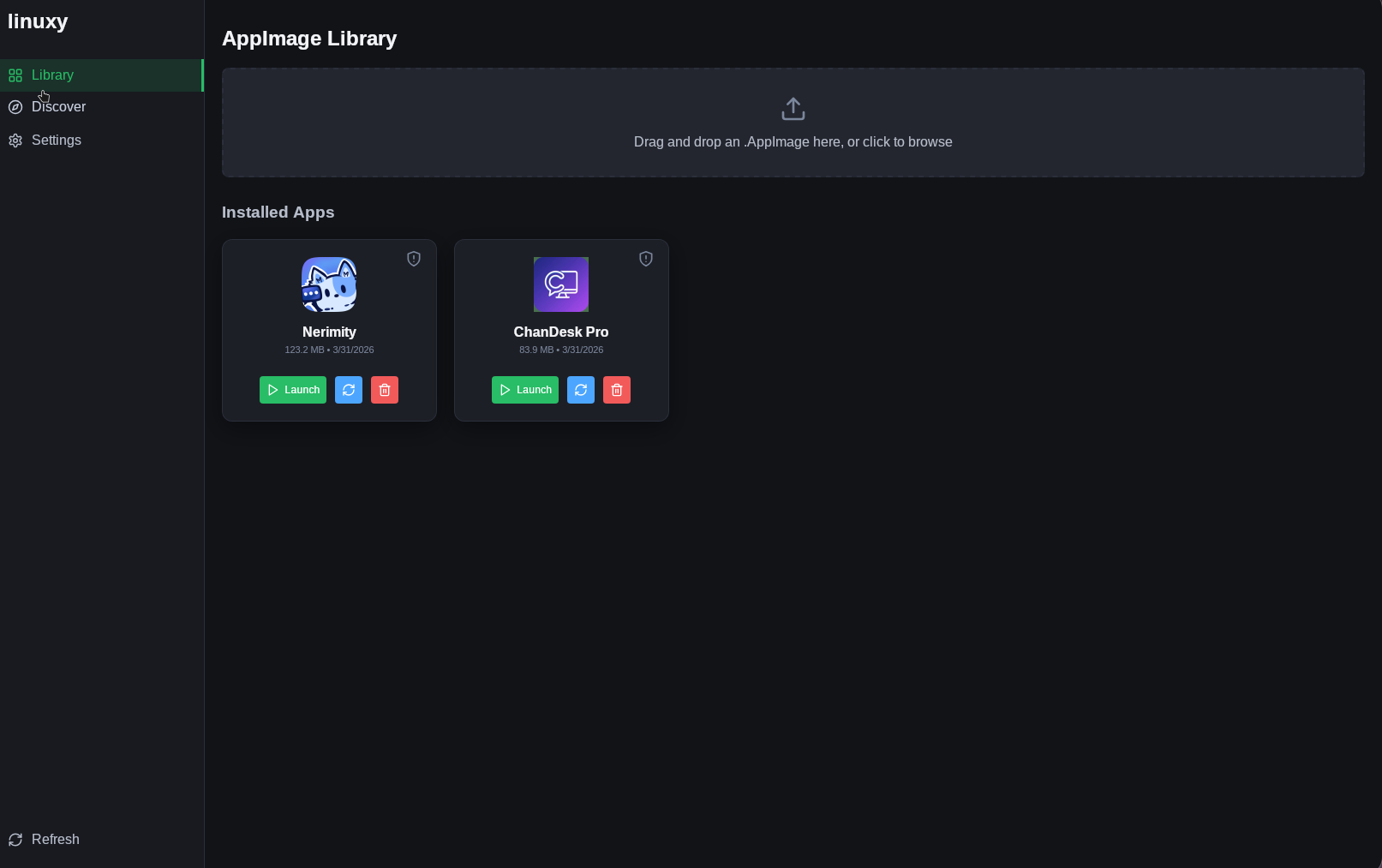
| 1 | One-Click Install | Drag & drop any .AppImage onto the window, or browse for it with the file picker. Linuxy validates the ELF header, extracts metadata and icons from the SquashFS, creates a .desktop entry, and copies everything to ~/.local/. |
| 2 | App Discovery | Browse the AppImageHub catalog or search GitHub's appimage topic -- then install directly in one click. |
| 3 | Firejail Sandboxing | Toggle per-app sandboxing with a single click. When enabled, the app runs under firejail --appimage with restricted filesystem and network access. |
| 4 | Delta Updates | Checks for updates via the bundled appimageupdatetool sidecar. Only downloads binary diffs -- not the entire AppImage. |
| 5 | Downloads Watcher | Automatically detects new .AppImage files appearing in ~/Downloads and prompts you to install them. A "Later" option suppresses repeated notifications. |
| 6 | Theming | Switch between Dark, Light, and System-follow themes. Preferences persist across sessions via localStorage. |
| 7 | Storage Dashboard | Settings panel shows total disk usage and installed app count at a glance. |
| 8 | CLI Mode | Headless installation and management from the terminal: linuxy install <path>, linuxy list, linuxy help. |
| 9 | Desktop Integration | Automatic .desktop file creation, icon extraction, and update-desktop-database for native menu integration. |